
Make nibspark yours
Pick a theme in Settings > Themes, download more from the app, or make your own.
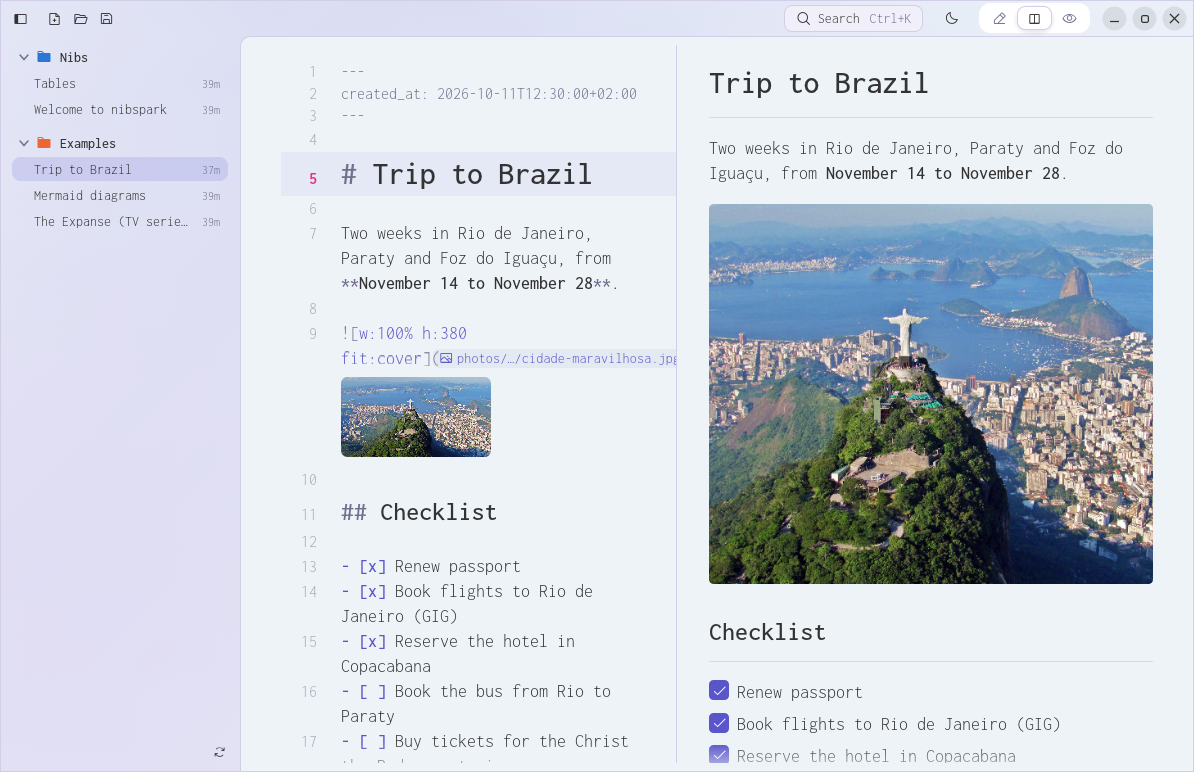
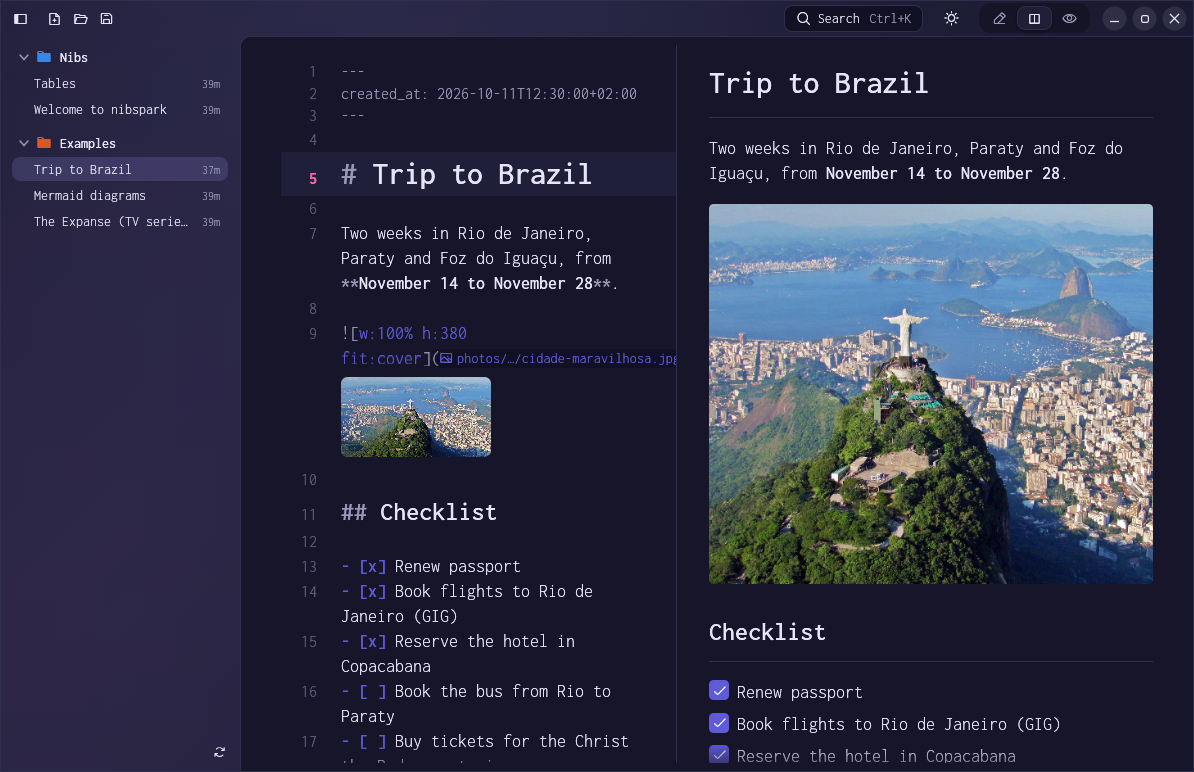
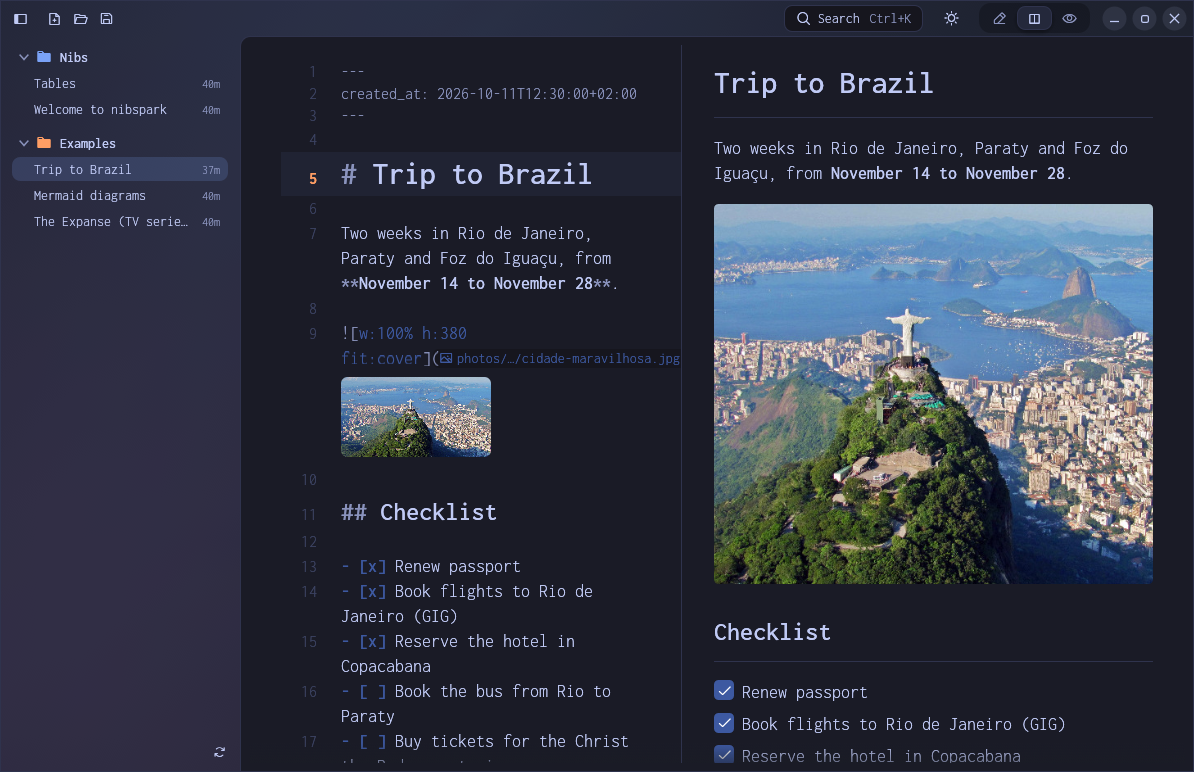
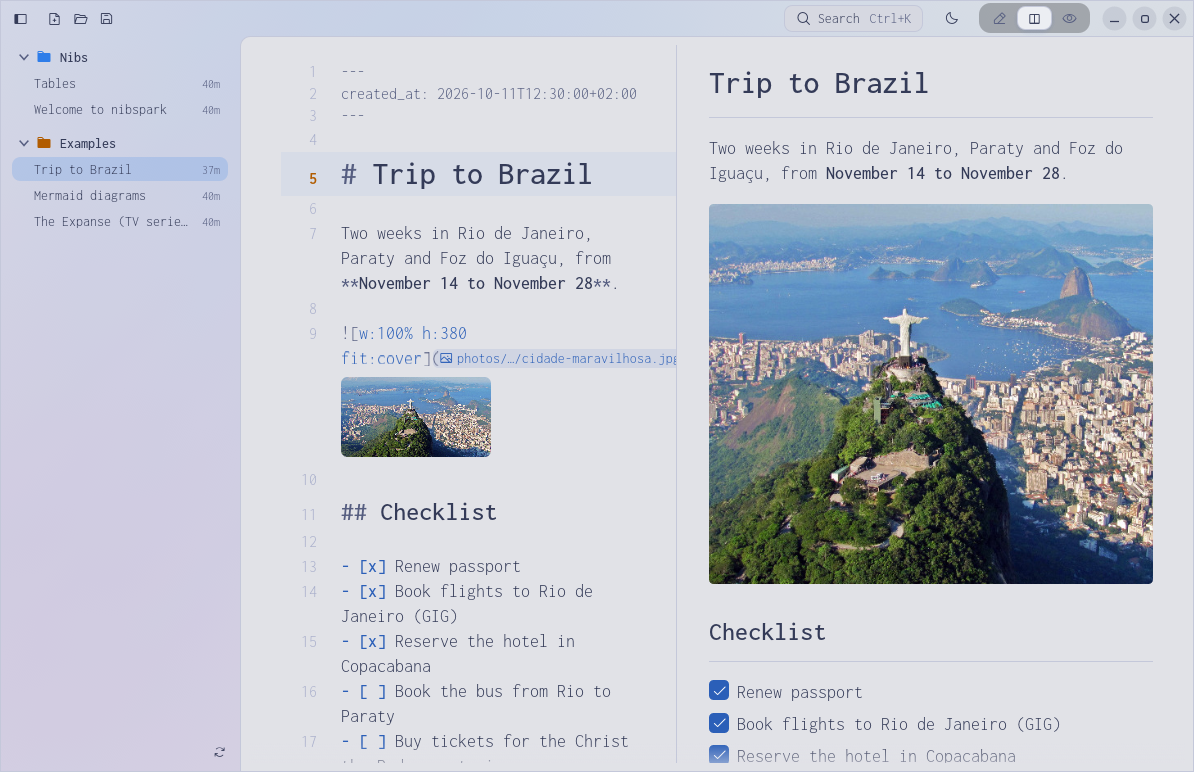
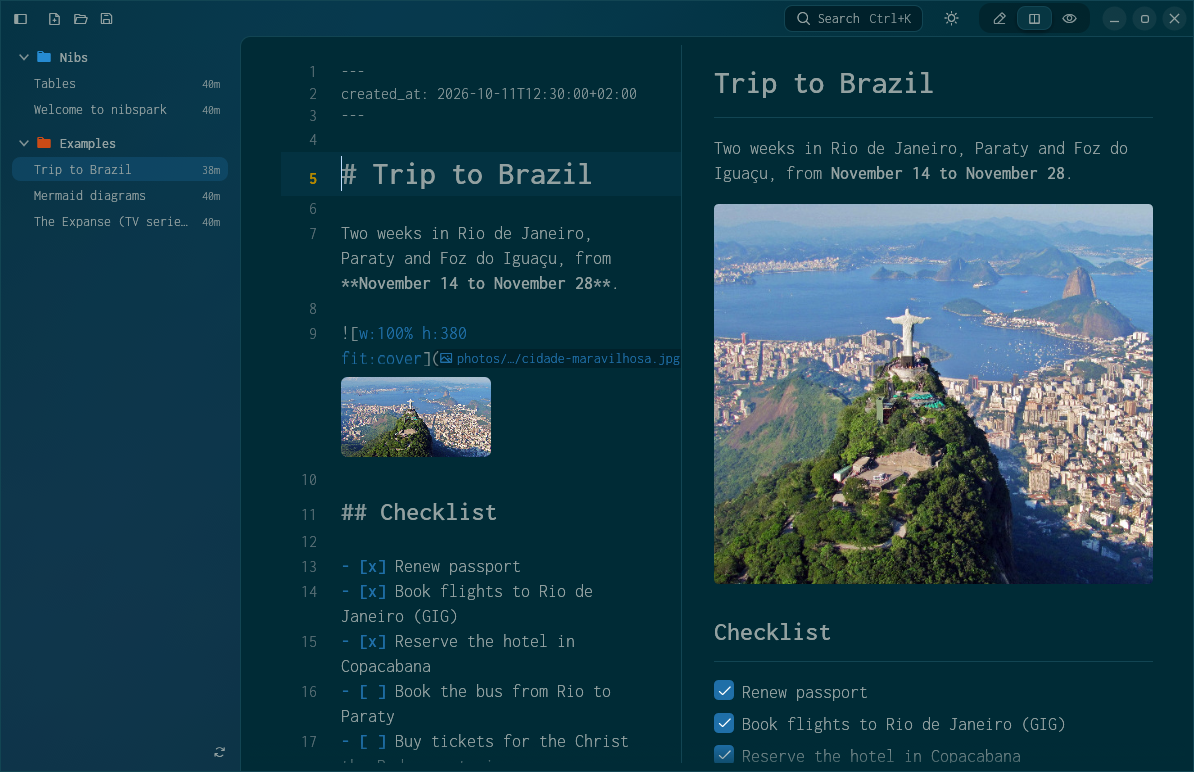
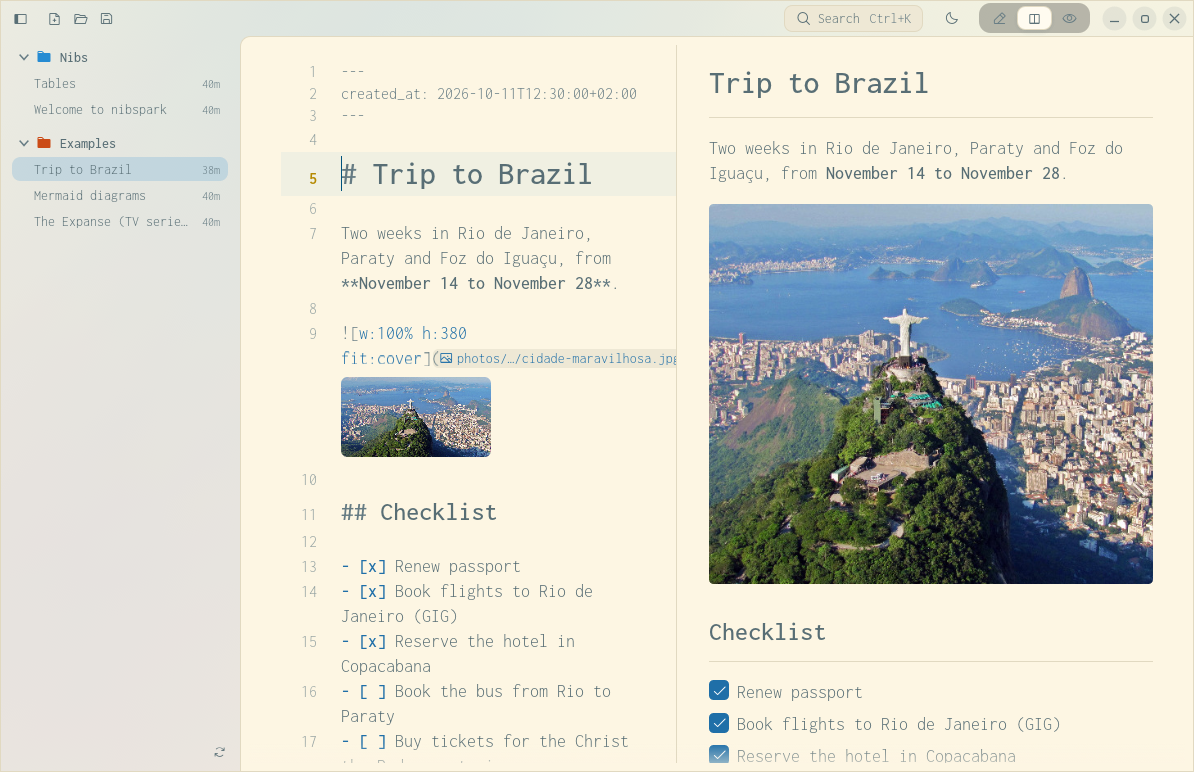
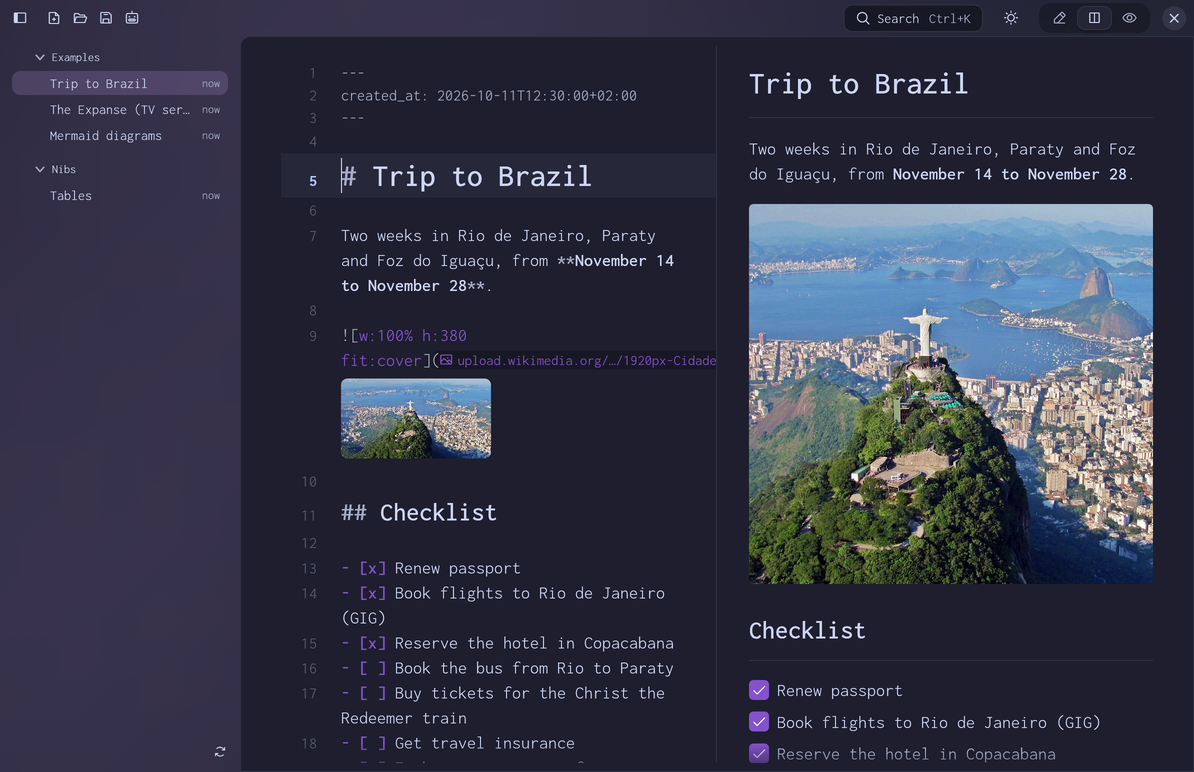
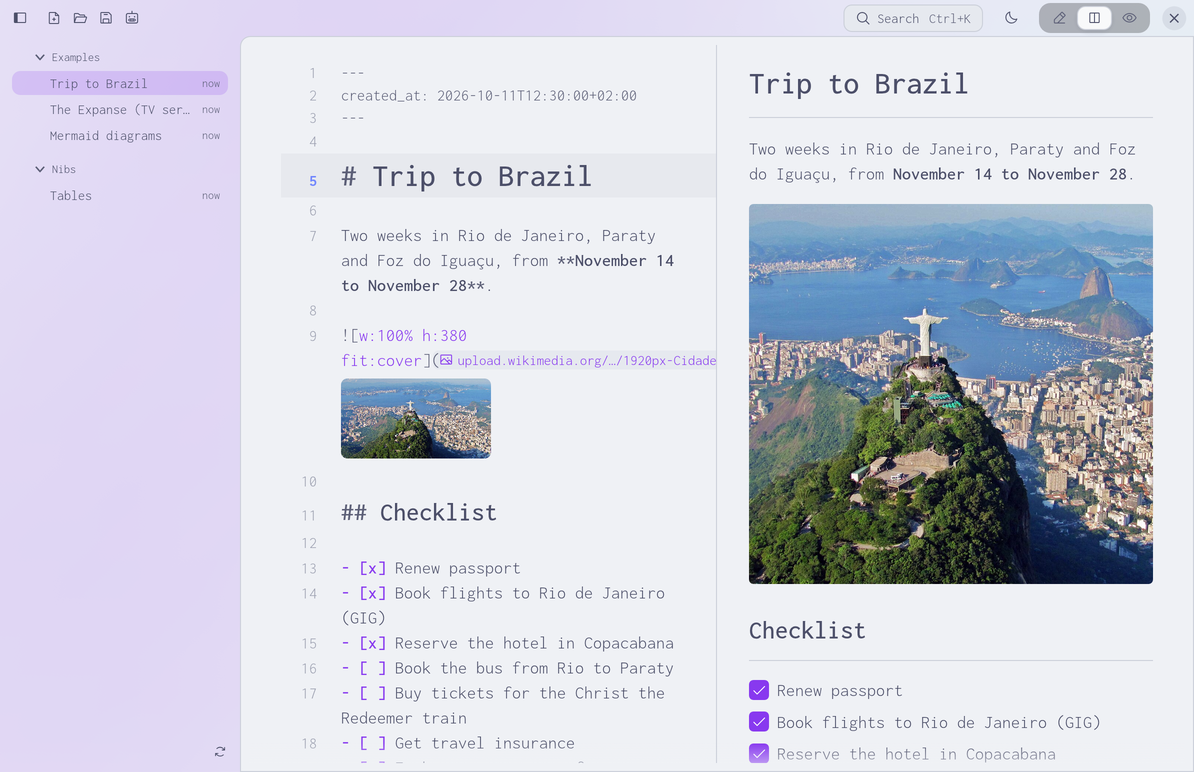
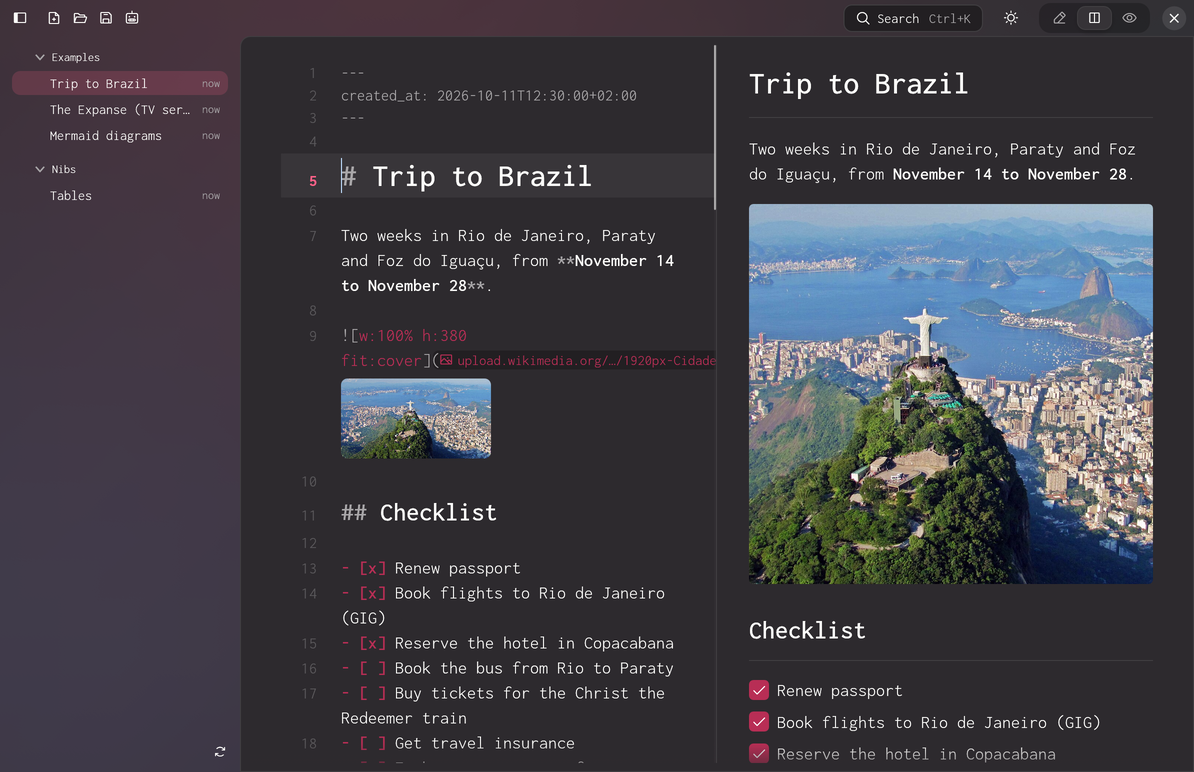
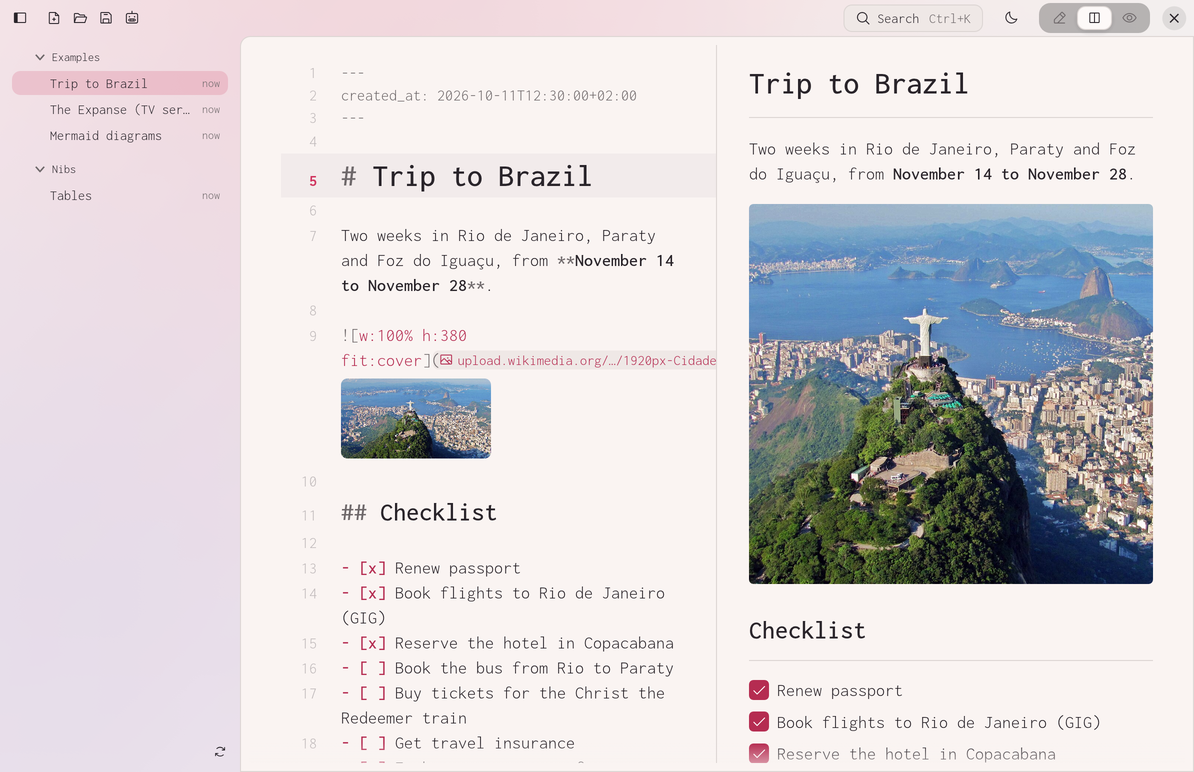
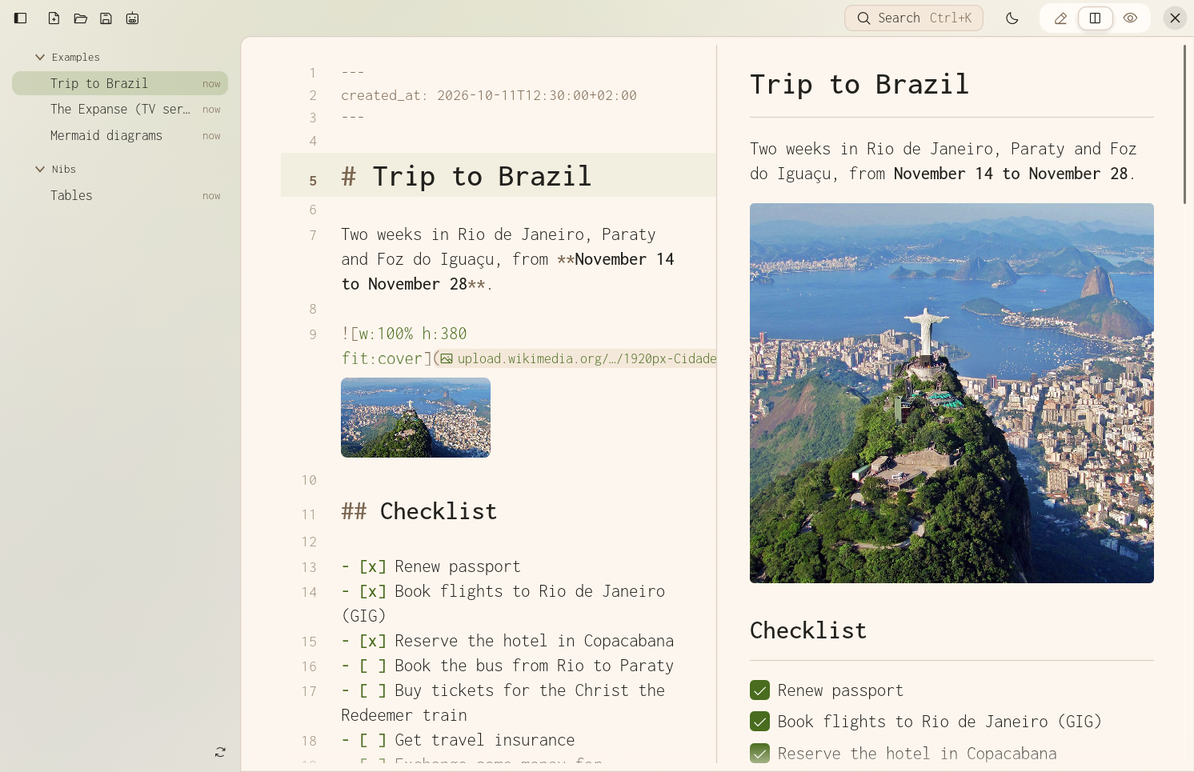
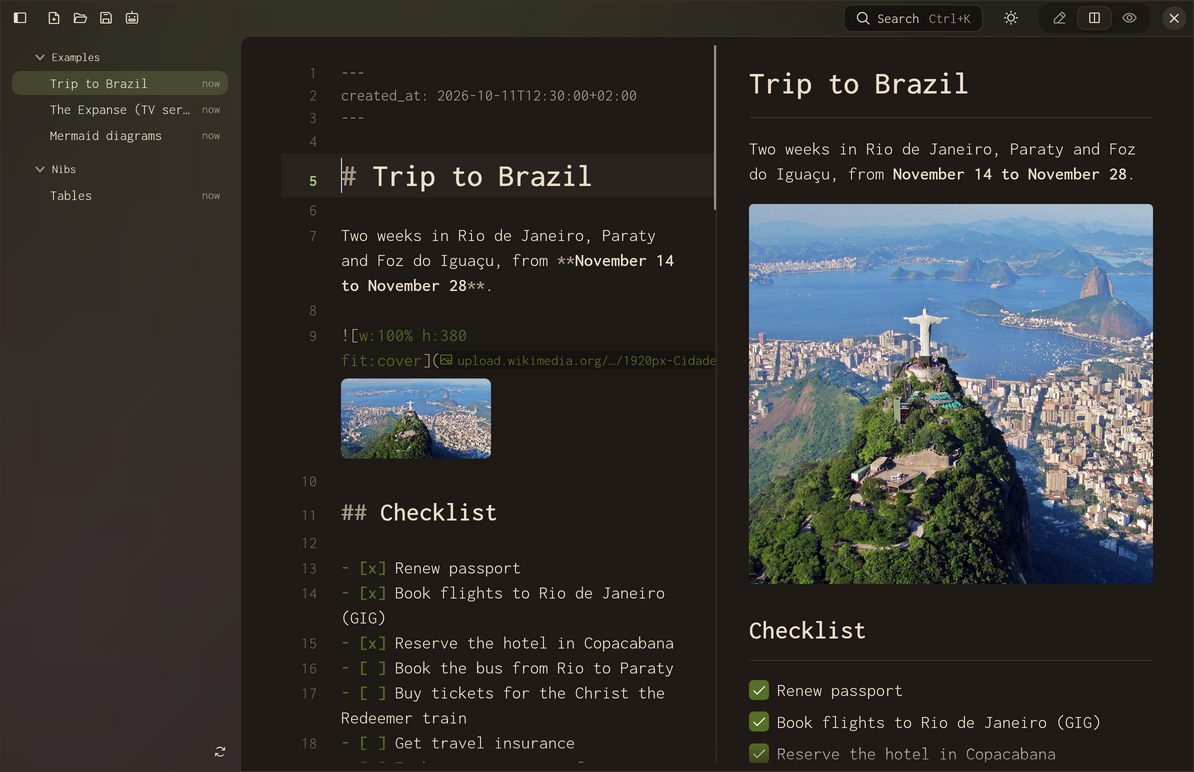
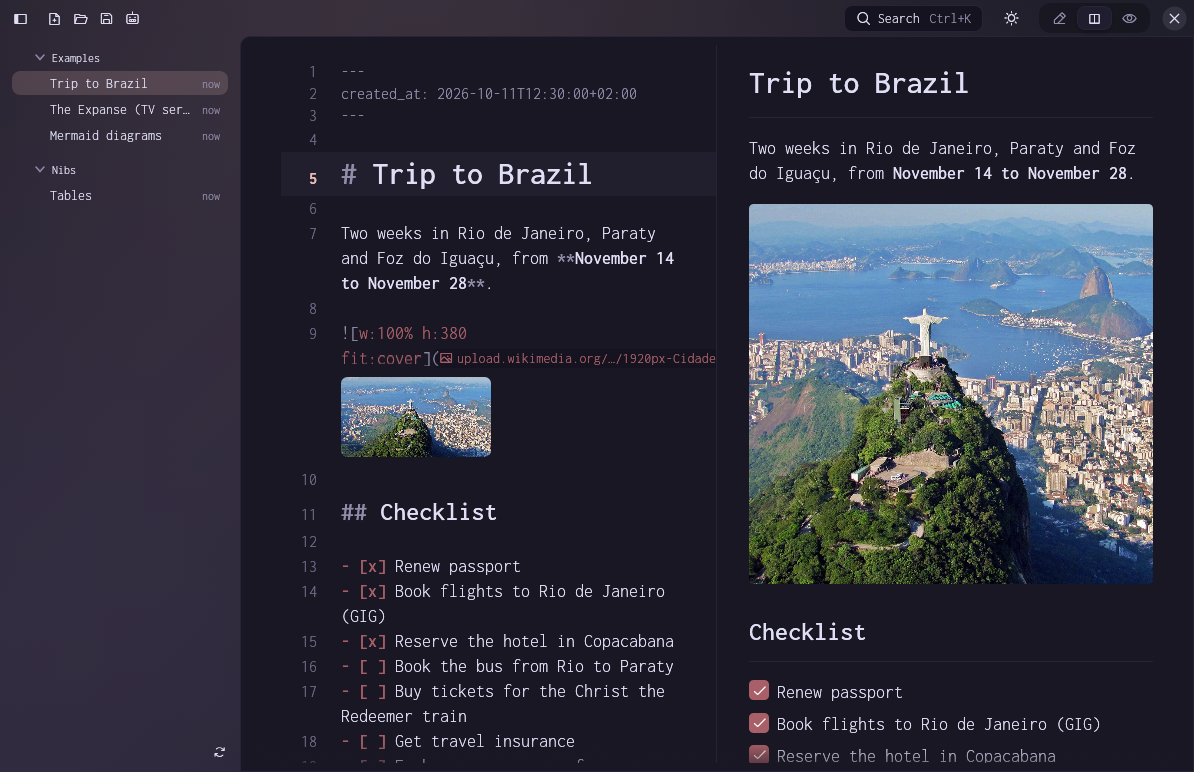
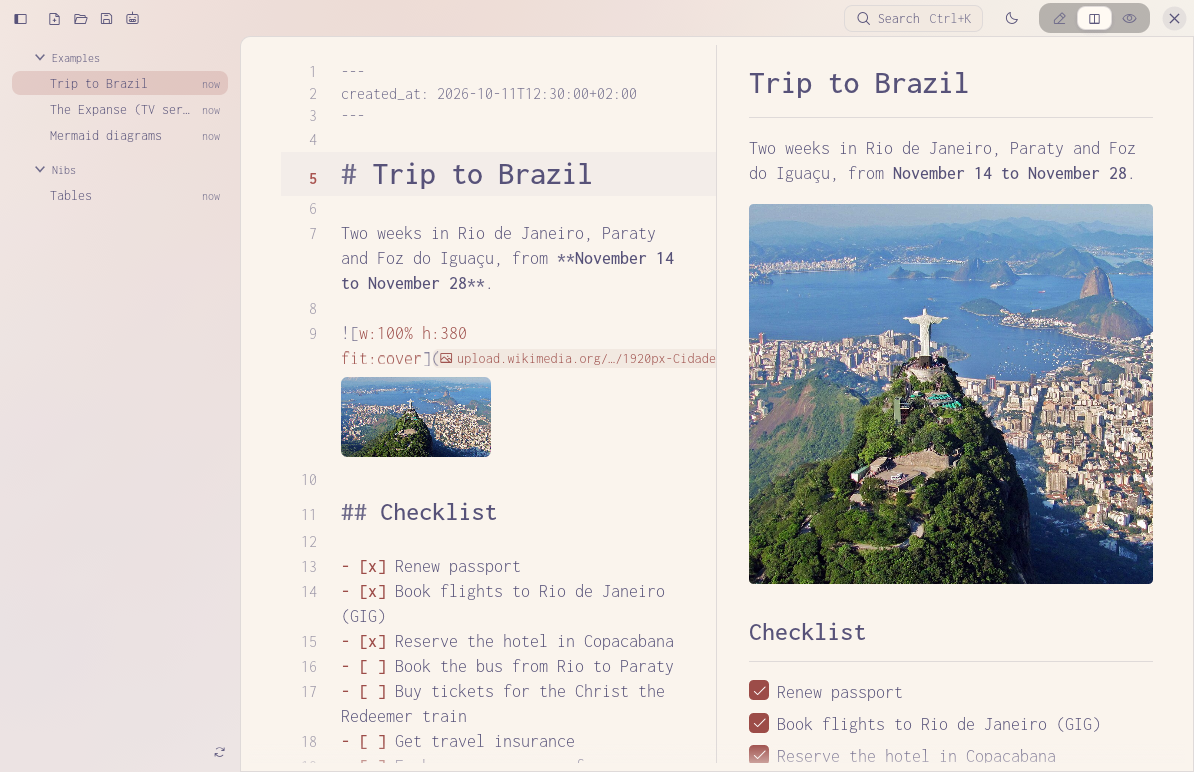
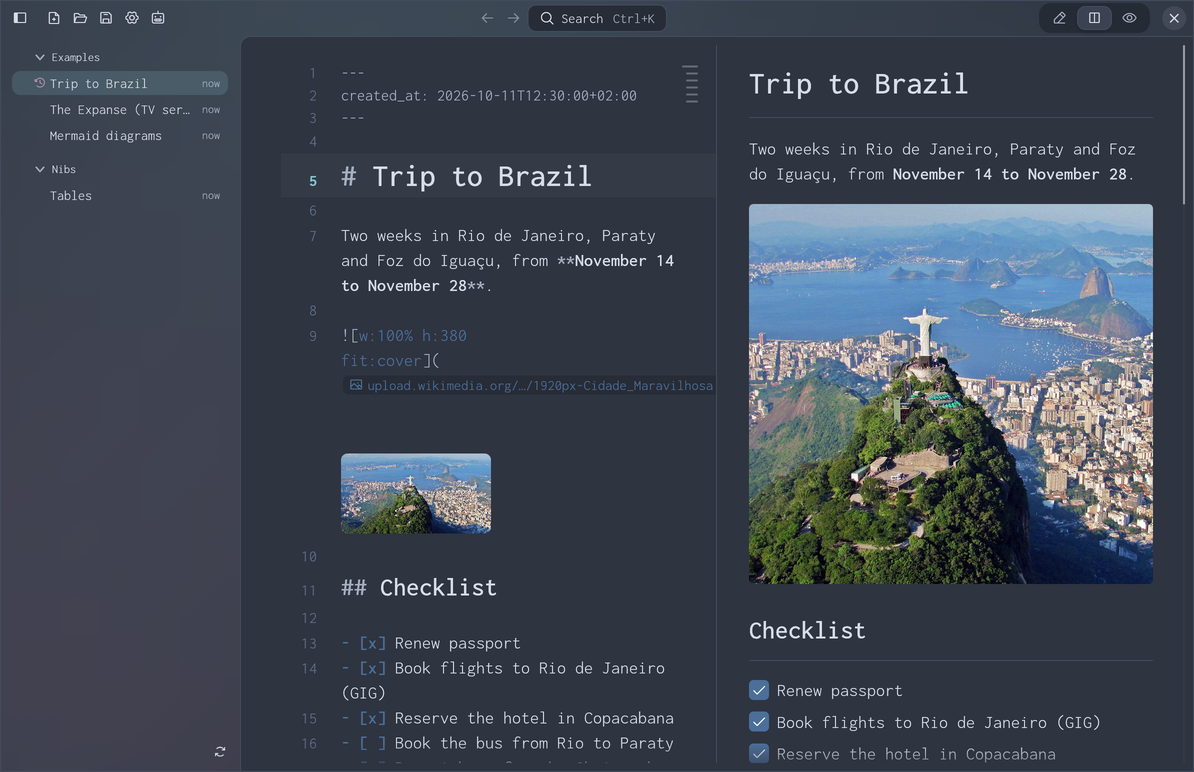
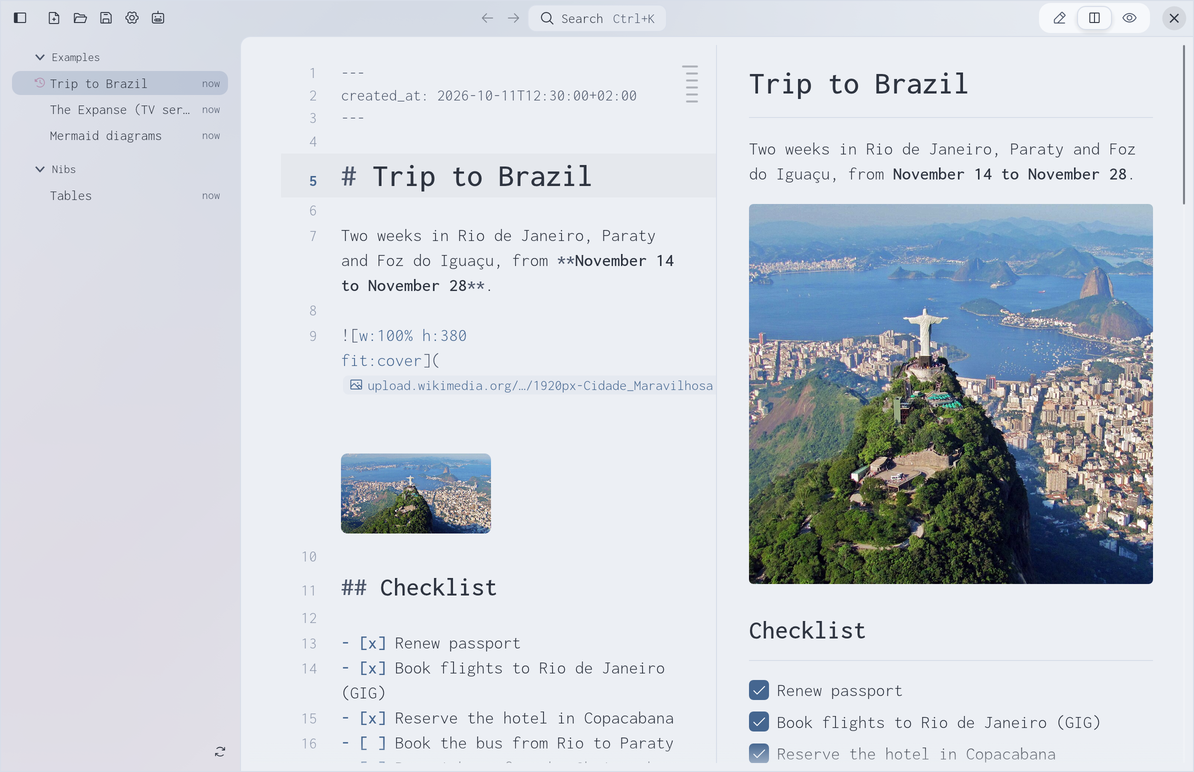
Themes to download
In nibspark, open Settings > Themes and click Browse themes. Click a theme to download it and start using it.
Loading the themes…
Make your own
A theme is a small .toml file of colors in your themes
folder. Settings > Themes shows where that folder is.
-
Make a file in the folder, named after your theme
(
gruvbox.toml). -
Give it a
name, abaseof"light"or"dark", and a[palette]of colors. - Turn on Watch theme folder for updates in Settings > Themes to see each change as you save.
Every color and what it paints is in the theme guide. AI agents can follow it too: ask one to make a theme from your terminal's colors. A theme you download is a good place to start.
name = "Gruvbox"
base = "dark"
author = "Your name"

[palette]
background = "#282828"
foreground = "#ebdbb2"
accent = "#d79921"
# …and the rest of the palette

[light.palette]
background = "#fbf1c7"
foreground = "#3c3836"