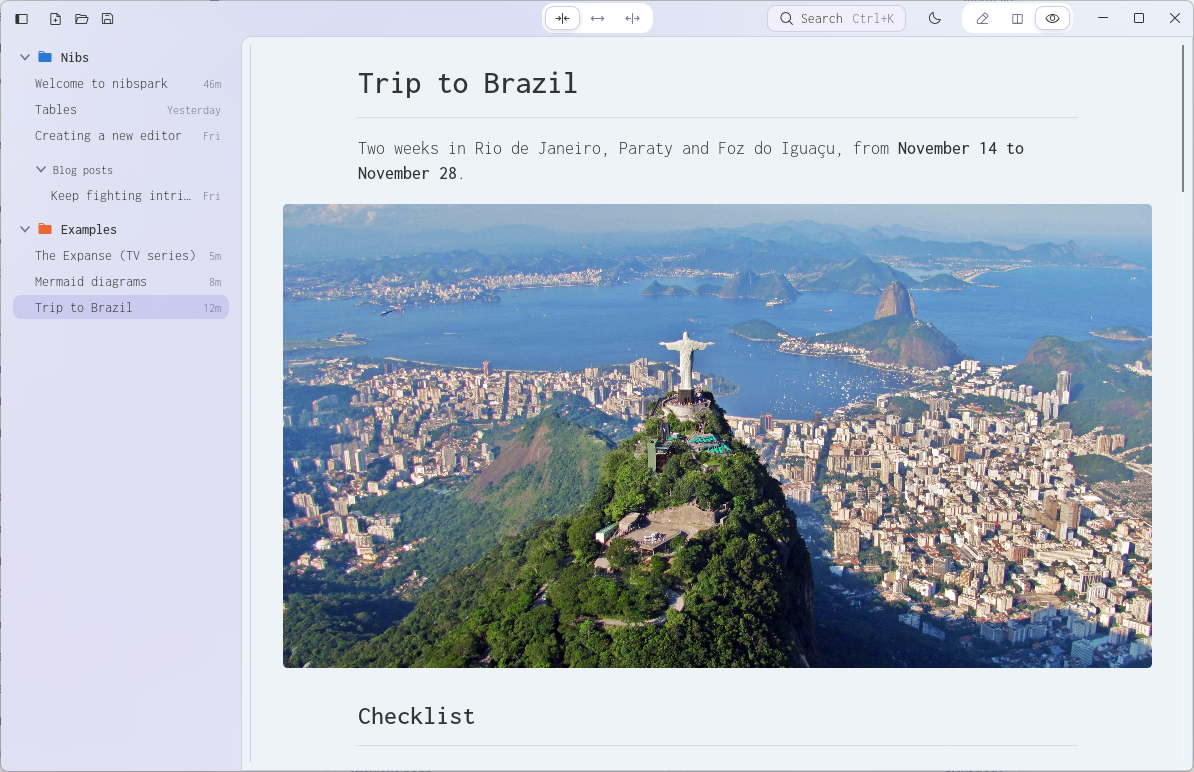
Editor, split or preview
Write, read, or both side by side, the preview following along.
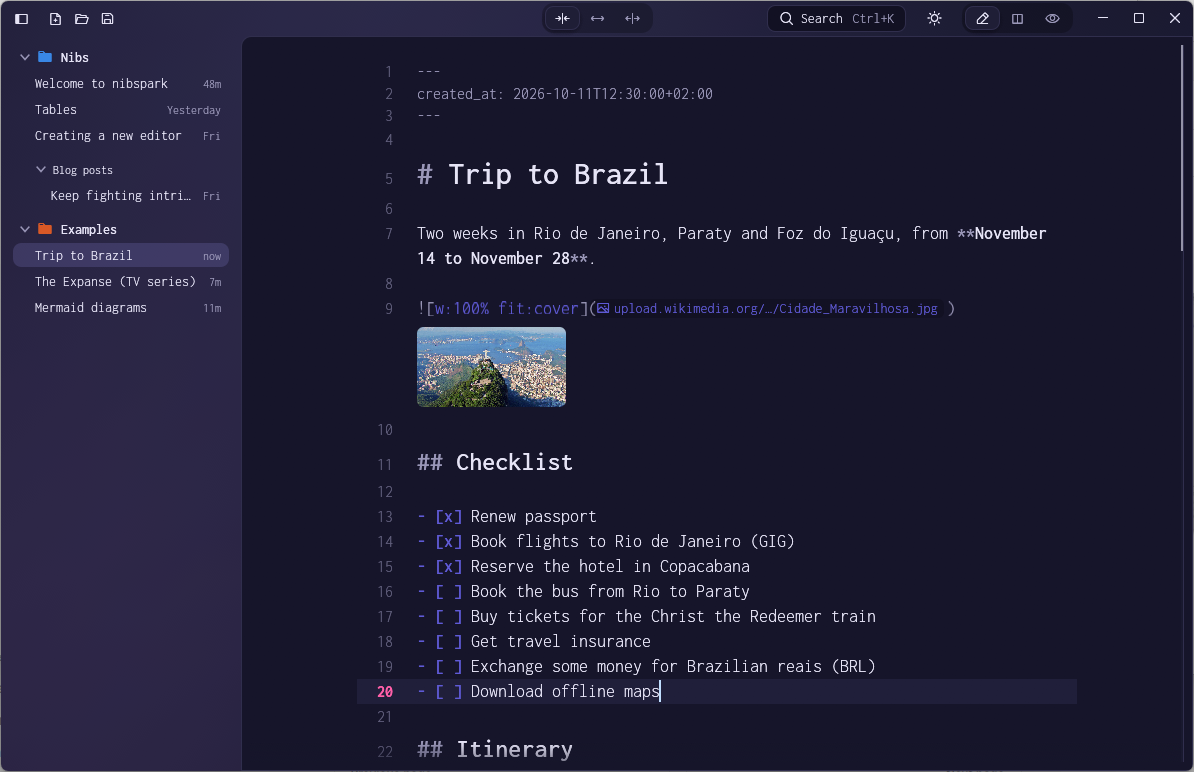
A photo set to w:100% fit:cover becomes a header.

Your docs stay plain Markdown files. nibspark gives them a pleasant editor, a live preview, and keyboard shortcuts for nearly everything.
Claude Code, Codex or Pi, the one already installed and signed in on your computer, with your own account. nibspark never sees your sign-in, and never sends your doc anywhere else.
Type /agent, say what you want, "a packing list for
a week in Osaka", and press Return. The answer takes the place
of /agent.
images folder next to your doc
Select some text and click the sparkle, first in the toolbar
above it, or press Ctrl+J.
Say what you want, and the answer replaces what you selected.
New
Pick "Agents: Review this doc" in the command palette, and your agent reads the whole doc and leaves comments on it, like an editor would. It never changes your text, and its comments show up as they come.
Plain Markdown, with the syntax visible but quiet, and the structure a keystroke away.
/ to insert anythingA slash menu puts in headings, lists, tasks, code blocks, tables, links, images, highlights and callouts, so you don't have to remember the syntax.
Select some text and a toolbar appears above it: bold, italic,
strikethrough, highlight, links, code, lists, quotes and
callouts. Hold Ctrl to see
each one's shortcut.
Line numbers light up the line you're on, long link addresses fold into a small pill, and images show as thumbnails right under their line.
> [!TIP]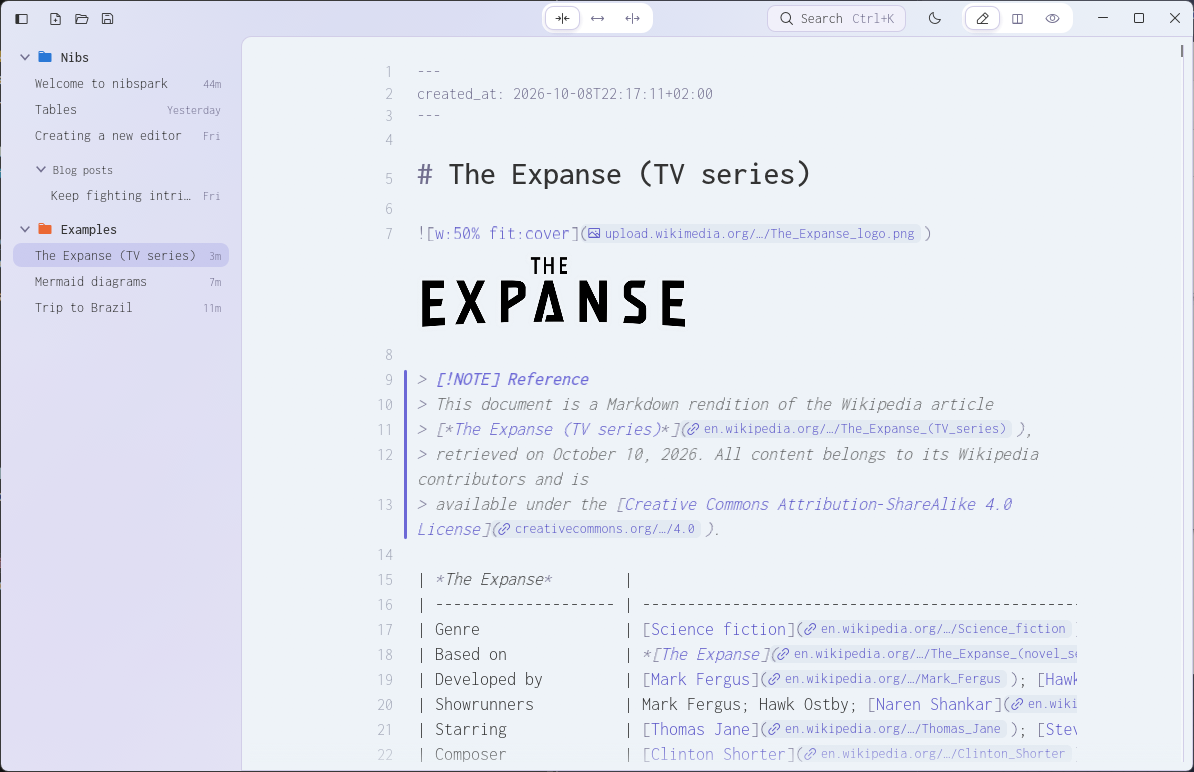
Press Ctrl+F and type, and
every match is marked. Return goes to the next, the current
match gliding there.
Ctrl+G and Ctrl+Shift+G, go back and forth, wrapping aroundThe doc's headings, a click away. With room beside the text, the list sits there; without, the doc's shape shows as dashes, the section you're in lit as you scroll, and a click opens the list.
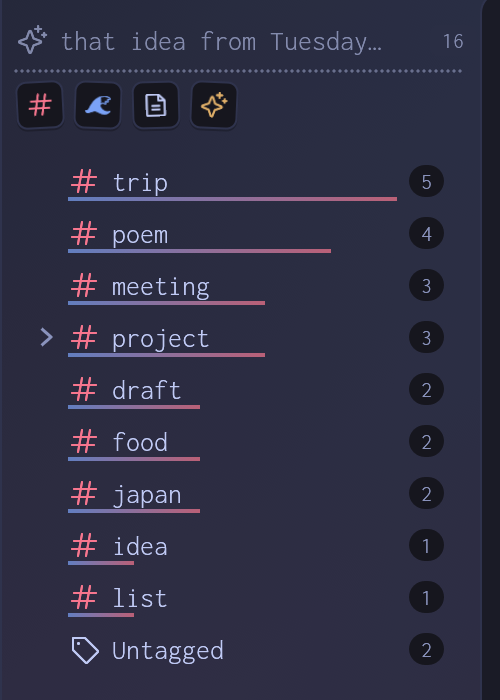
Ctrl+Shift+LOne sidebar for your folders, however many docs they hold: a tree you narrow in place, looked at by folder, by tag or by date.
New
Type in the line at the top of the sidebar and the tree narrows to the docs that match, in their folders, the letters that matched marked. Press Esc and it's back as it was.
#poem for a tag, /journal for a folder, and a - before either to leave those outis:fresh, is:history, is:untagged and has:commentsNew
The buttons at the sidebar's foot show your docs by folder, by tag, each with a line as long as it's used, or by date, with the months down the side to jump to.
Alt over a doc to peek at it without opening it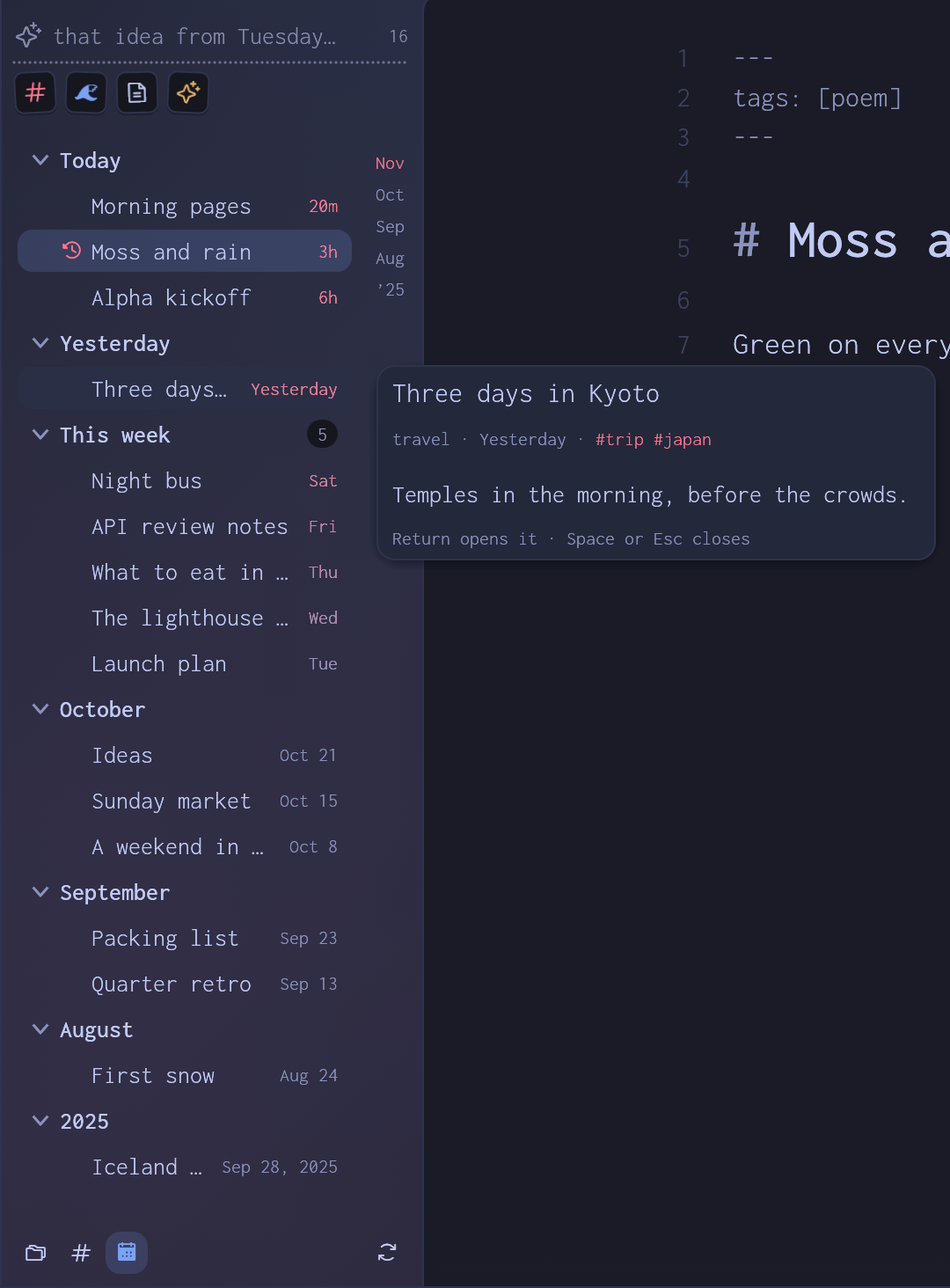
Write, read, or both side by side, the preview following along.
A photo set to w:100% fit:cover becomes a header.
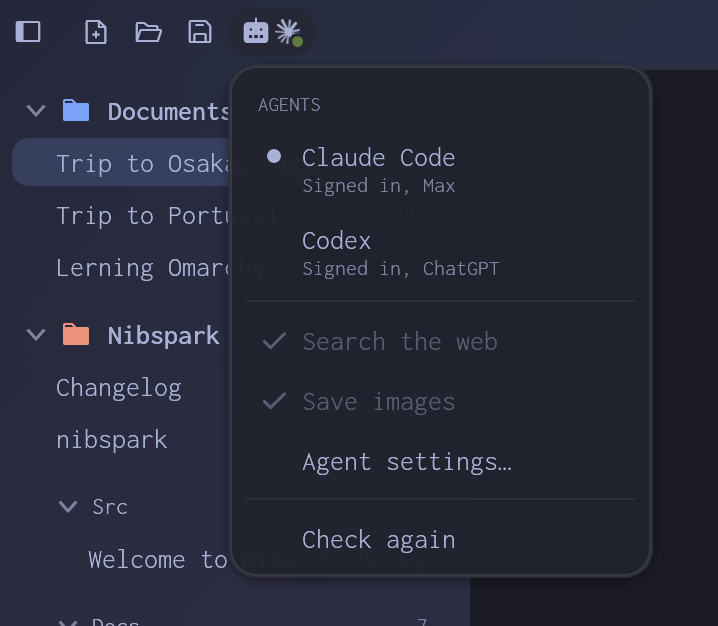
The robot button shows your agent and whether it's ready. Switch between Claude Code, Codex and Pi, and turn web search on or off.
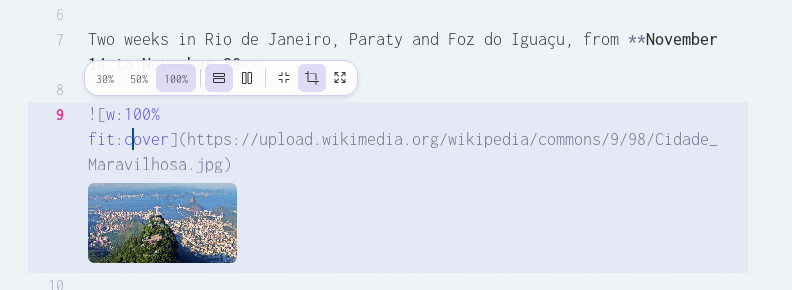
Put the cursor in an image and a toolbar sets how the preview shows it: its width, inline or as a block, and how it fits.
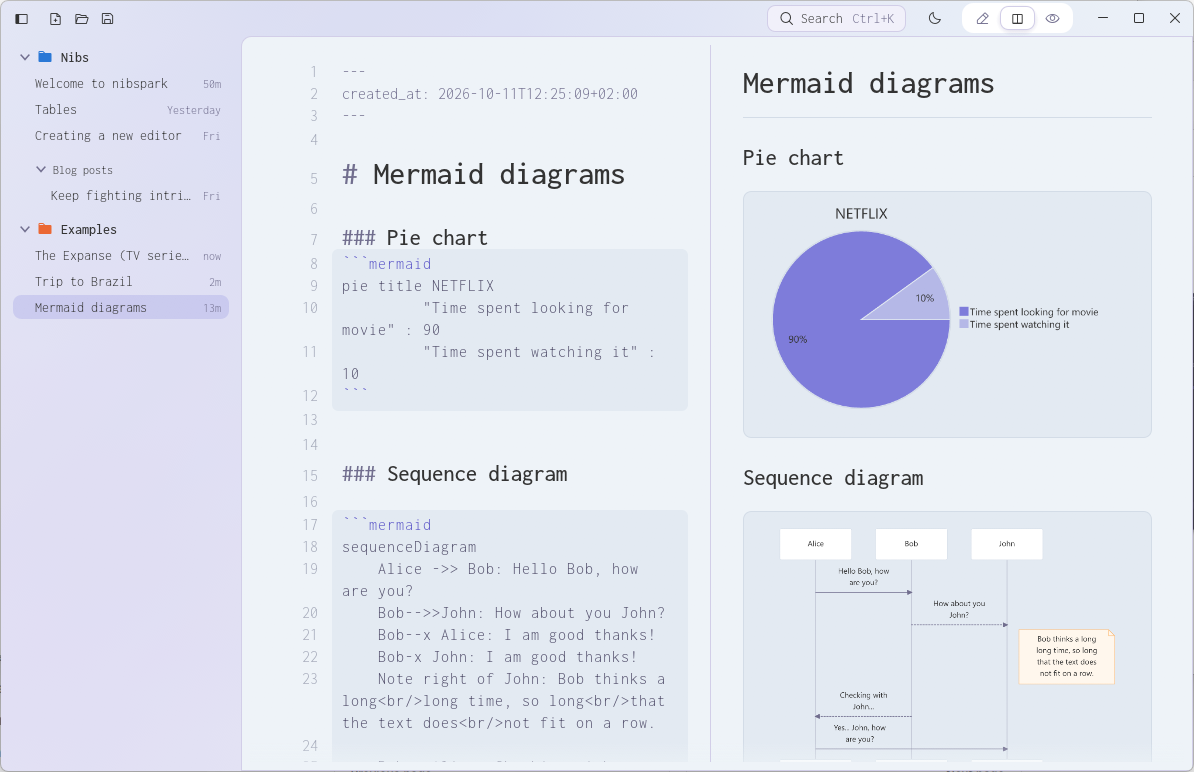
A ```mermaid block shows as its diagram in the
preview, in your theme's colors, drawn without making you wait.
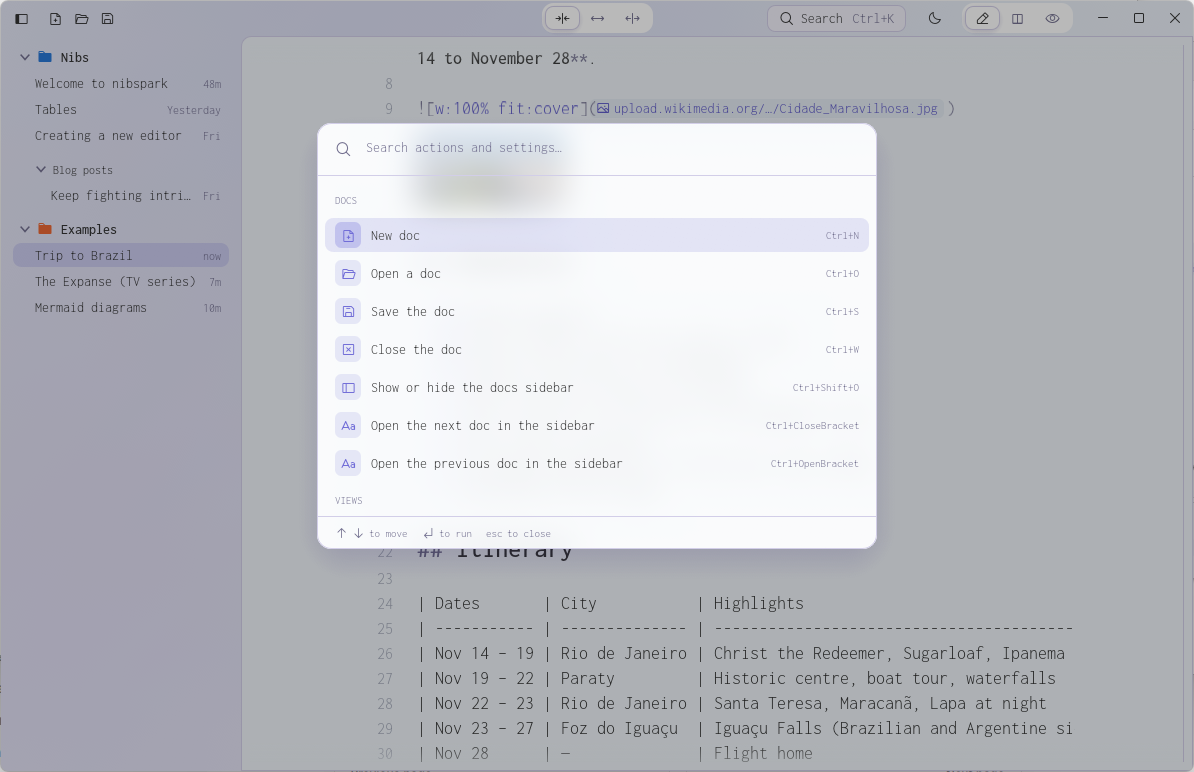
Ctrl+K runs any action or
opens any settings page, each shortcut beside its action.
A soft light theme and a deep night one, a click apart. The editor, the preview and the diagrams change together.
Your docs stay files in your folders, each folder in its own
color in the sidebar. Step through them with
Ctrl+] and [.
Docs save a moment after you stop typing. Changes not yet saved come back if your system quits the app.
Monospace, sans-serif or Atkinson Hyperlegible, from 12 to 24 points. Code and tables stay monospace.
Alt+↑ and
Alt+↓ move through a long
doc by its sections, in the editor and in the preview.
On macOS and Windows, open any .md file with
nibspark, or make it the app they always open with.
Shortcuts follow the letters your keyboard types, on Dvorak and other layouts too.
macOS, Windows and Linux. The toolbar is the title bar, with snap layouts on Windows 11.
The window remembers its size and place, and reopens the doc you had open.