macOS
Universal · macOS 11 or later
Download for macOSnibspark-0.21.0.dmg · 33.6 MB
Coming soon


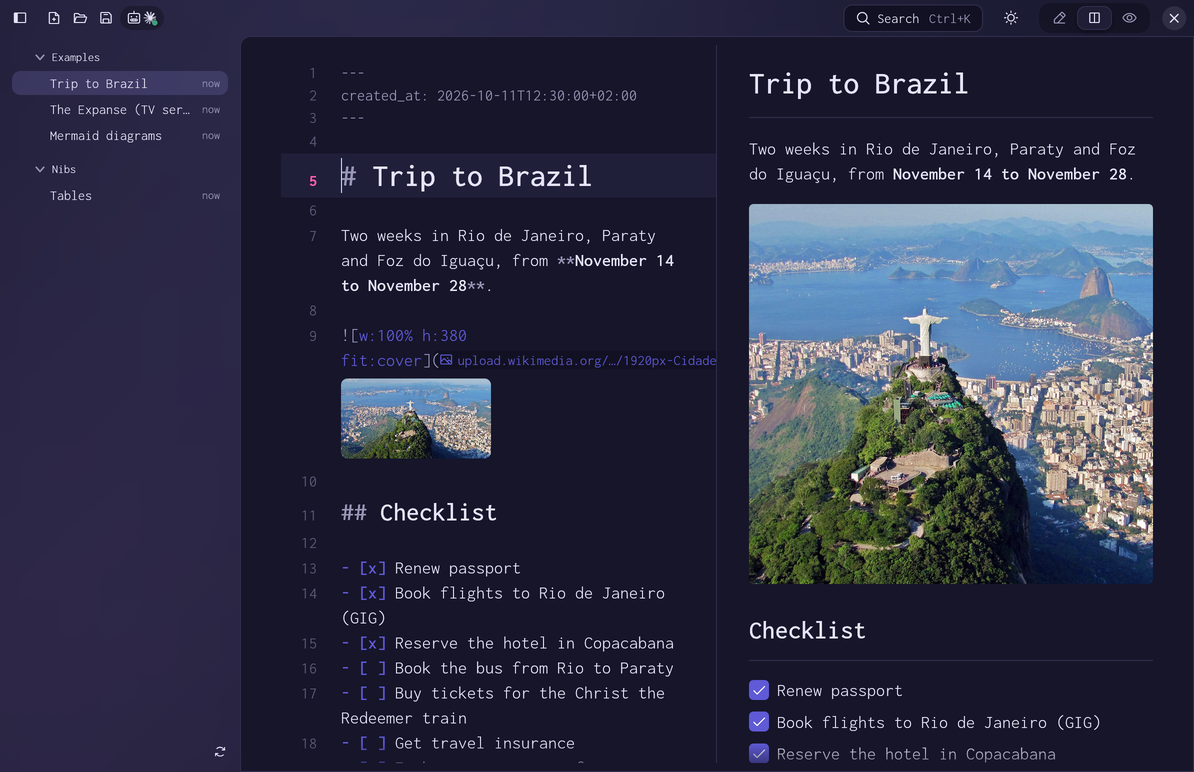
Plain Markdown, beautifully written. For when the words finally start flowing.
Version 0.21.0 · Release notes
Version 0.21.0 · November 17, 2026 · Release notes The first release is on its way
Universal · macOS 11 or later
Download for macOSnibspark-0.21.0.dmg · 33.6 MB
Coming soon
x64 · Windows 10 or later
Download for Windowsnibspark-0.21.0-setup.exe · 15.1 MB
Portable .zip, no install
Coming soon
x86_64 · Any distribution
Download AppImagenibspark-x86_64.AppImage · 19 MB
AppImage for ARM (aarch64)
Coming soon
Runs on any distribution, with every feature. One command downloads it, checks it, and adds it to your app launcher. No root needed.
curl -fsSL https://nibspark.app/install.sh | shx86_64 and ARM · Checked against the release's checksum · Updates itself
chmod +x nibspark-x86_64.AppImage
./nibspark-x86_64.AppImage
To uninstall, run the installer again, ending it with sh -s -- --uninstall.
Due to the nature of their sandboxed environments, the AI integration is disabled in Flatpak and Snap: their sandboxes don't let nibspark run the agent installed on your computer. For it, install the AppImage.
From nibspark's own Flatpak repository. New to Flatpak? Set it up first.
flatpak install https://flatpak.nibspark.app/nibspark.flatpakrefOr open the link in GNOME Software or Discover. flatpak update keeps it up to date.
Also on Flathub.
From the Snap Store:
sudo snap install nibsparkOr find it in the Snap Store, or Ubuntu's App Center. Snap keeps it up to date.
# Heading**bold**_italic_~~strike~~==mark==`code`- [ ] task> quote/Ctrl+KCtrl+NCtrl+OCtrl+S